

Step 1: Initialize the SDK
Follow the instructions in the Initialize SDK pageStep 2: Call Connect method
After initializing the SDK you will have access to a property calledactivepieces inside your window object,
call the its connect method to open a new connection dialog as follows.
| Parameter Name | Required | Type | Description |
|---|---|---|---|
| pieceName | ✅ | string | The name of the piece you want to create a connection for. |
connect method returns a promise that resolves to the following object:
connection is undefined if the user closes the dialog and doesn’t create a connection.You can use the 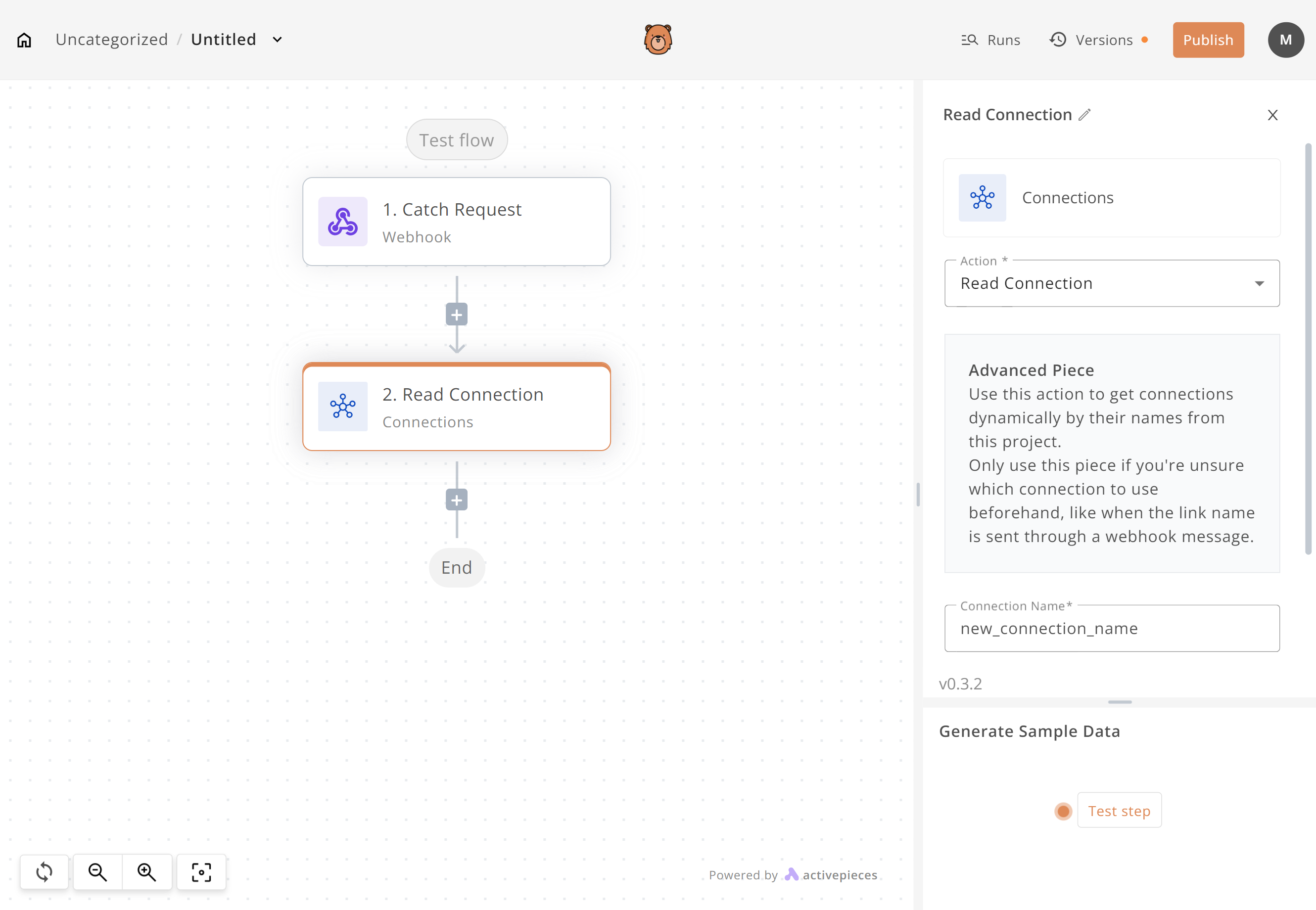
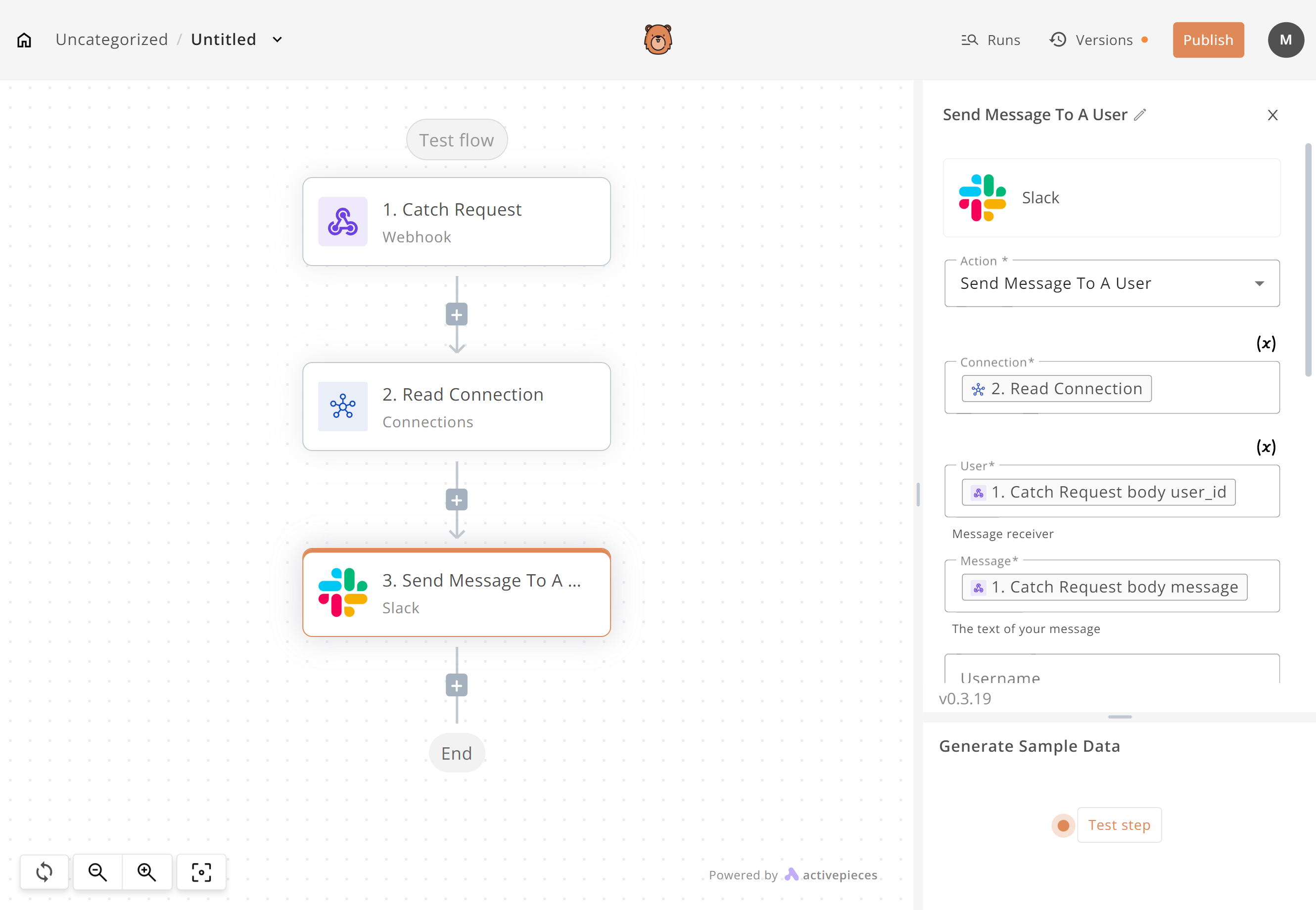
connections piece in the builder to retrieve the created connection using its name